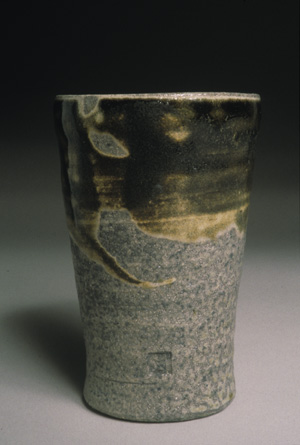
Before
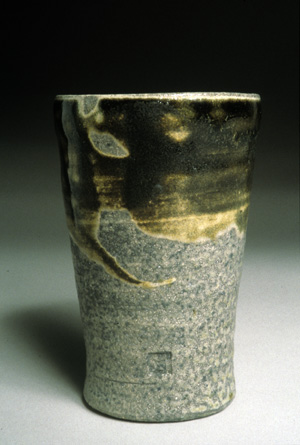
After
This is a simple tutorial of screen captures that explains how to use levels to correct bad color in photographs and slides. It often can correct color imbalances, and makes sure there are good lights and darks. In almost all cases it results in better color. It does not do a perfect job nor can it correct all problems, but it should be considered a first step in almost all photographs or scans.
|
|
Before |
After |
Note the better color but slight bluish cast to the image. This can usually be eliminated by sliding the appropriate middle gray slider(s) in this case the middle slider on the blue channel.
If at all possilbe do color correction before changing an image from 16 bit to 8 bit mode.